Lab Overview
The 3D Printing Lab is equipped with a range of printers, designed to accommodate a variety of projects and user skill levels:
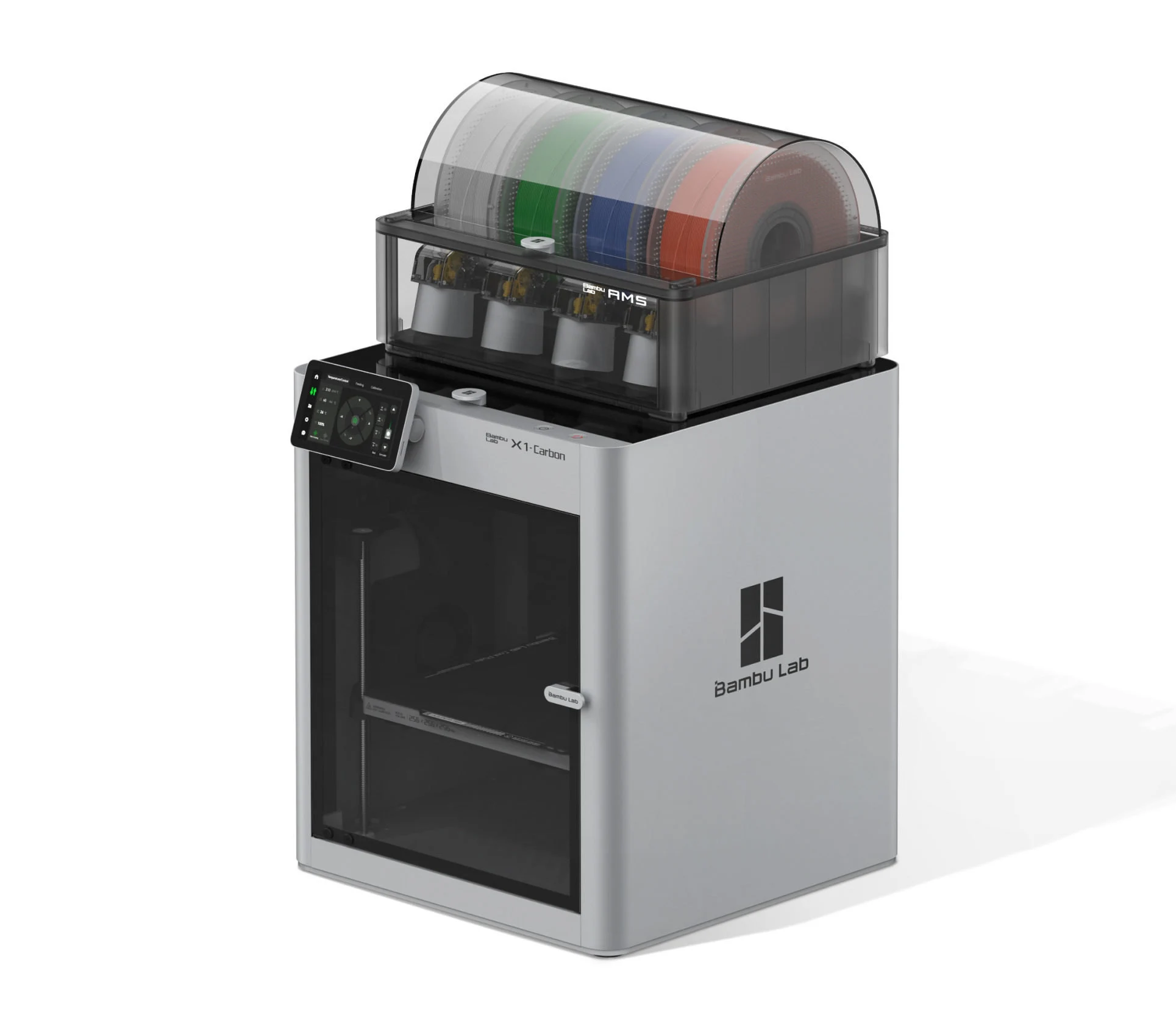
BambuLab X1C w/AMS
- Supported Materials: PLA, ABS, PETG, TPU, composite filaments.
- Features: Multi-filament printing with Automatic Material System (AMS).
- Difficulty: Advanced.
- Software: BambuStudio
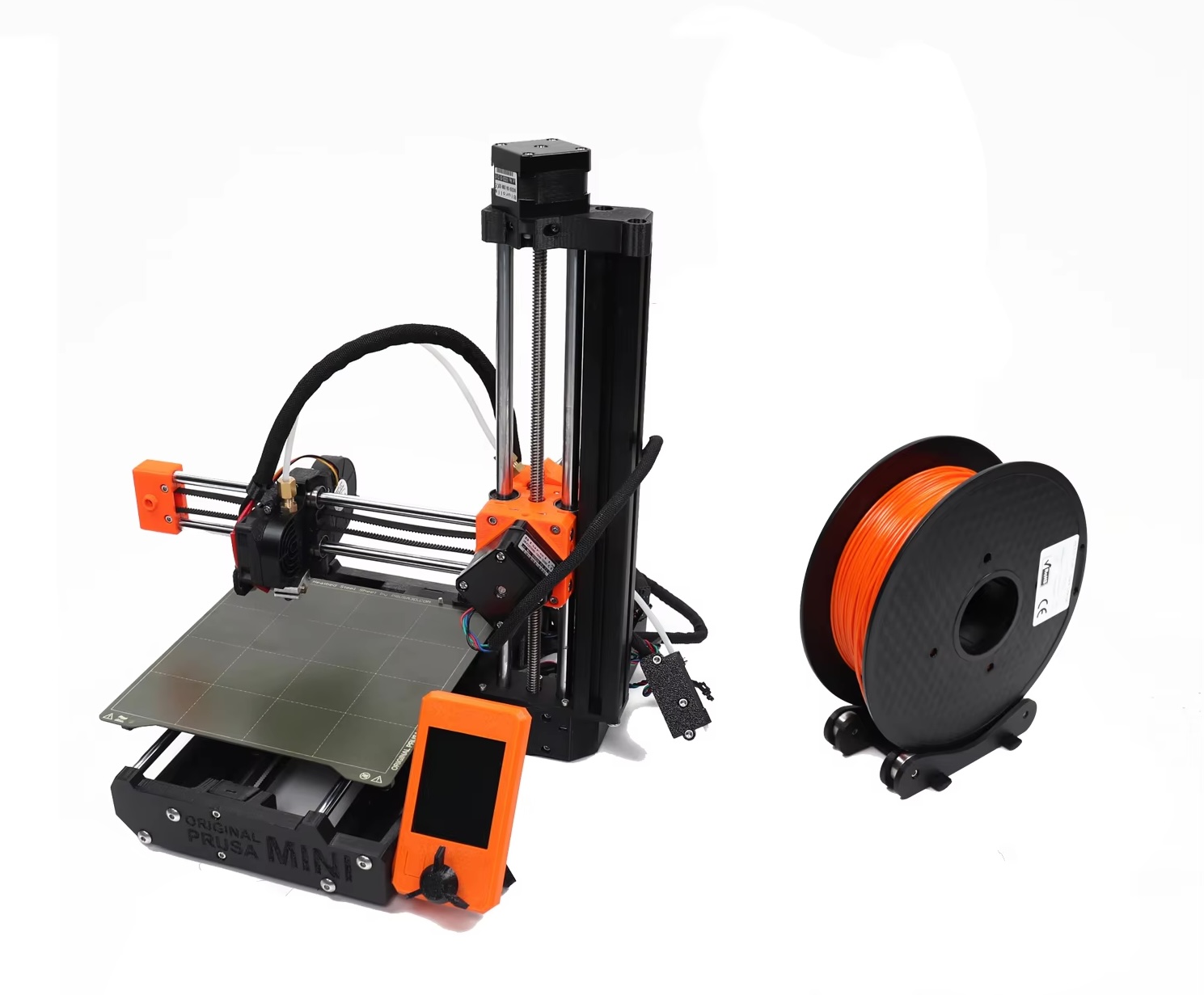
Prusa Mini
- Supported Materials: PLA, PETG, ABS (with enclosure), TPU.
- Features: Compact, reliable, and beginner-friendly.
- Difficulty: Beginner.
- Software: PrusaSlicer
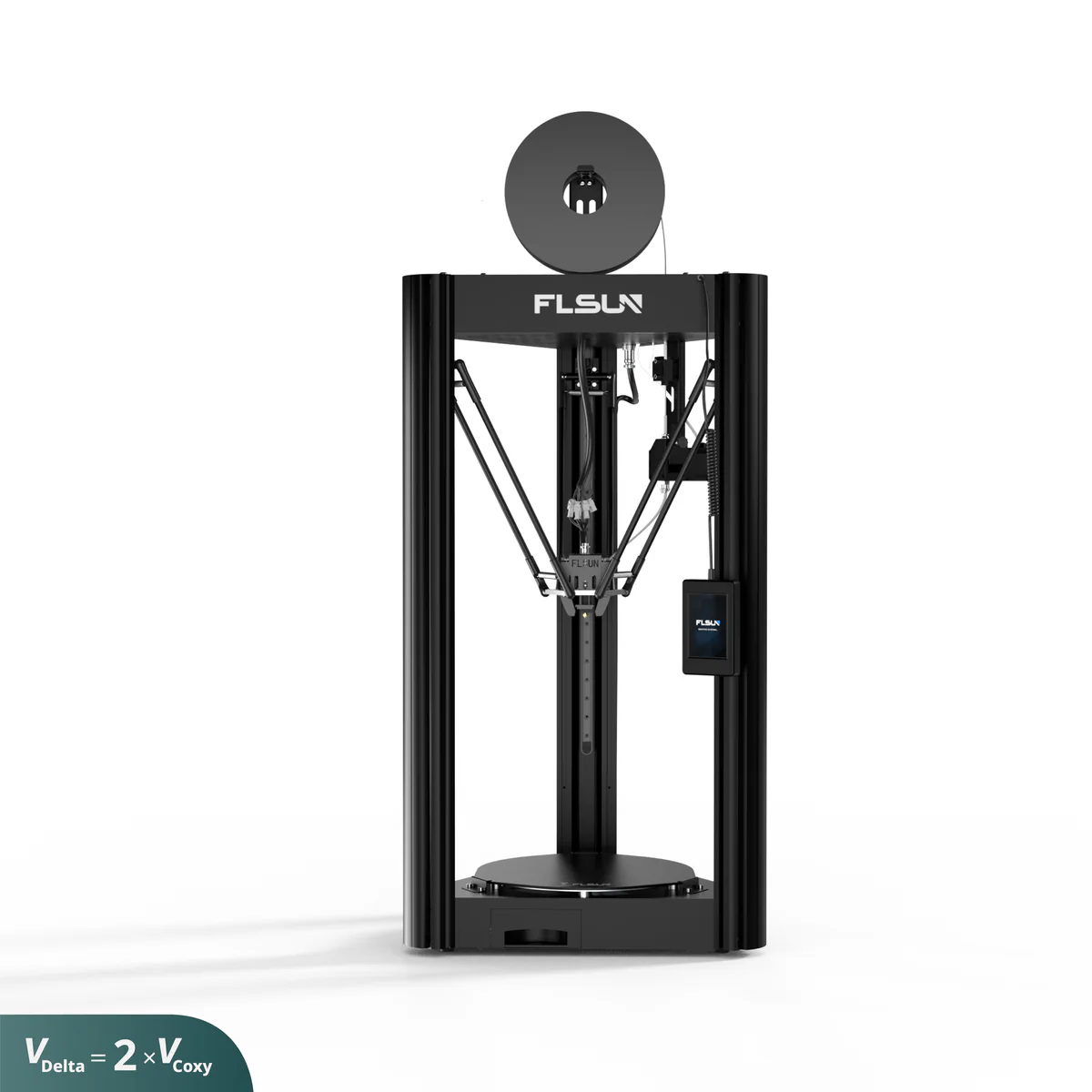
FLSUN SR
- Supported Materials: PLA, ABS, PETG.
- Features: High-speed delta printer for quick prints.
- Difficulty: Intermediate.
- Software: PrusaSlicer *requires custom profile
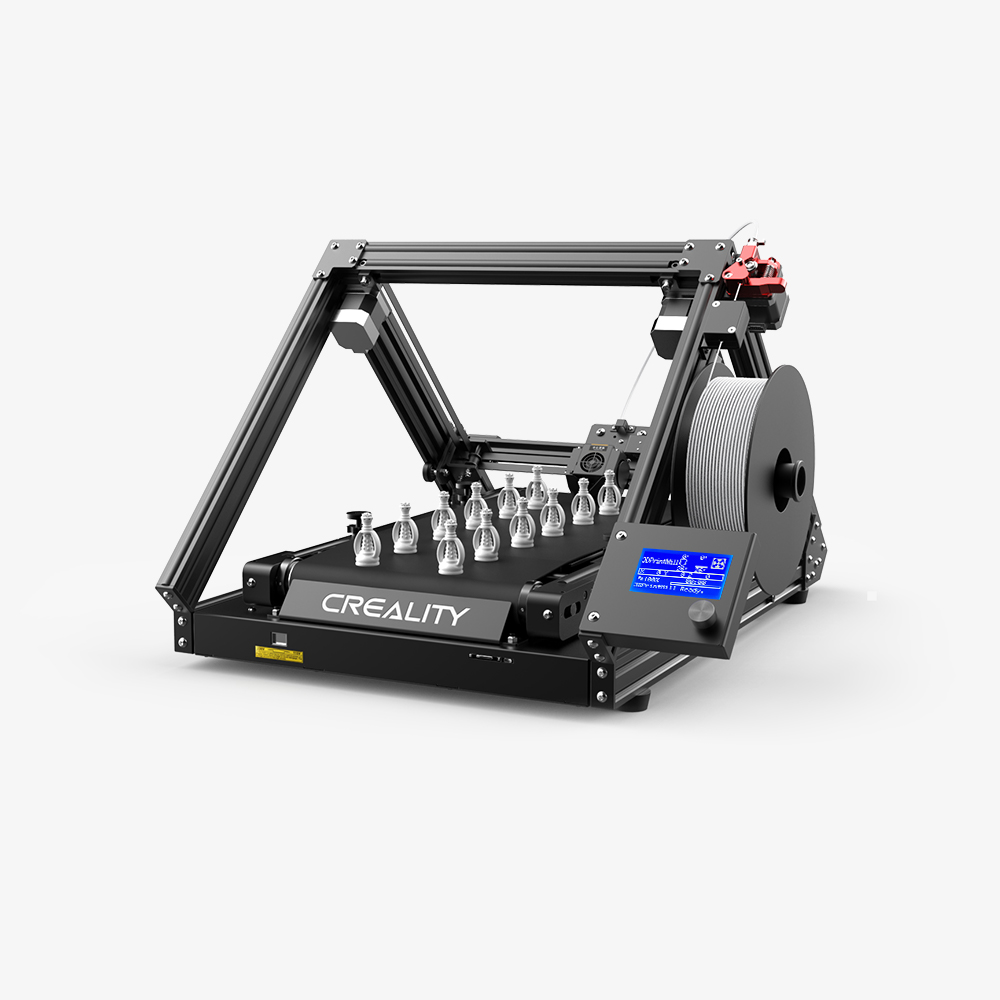
Creality CR-30
- Supported Materials: PLA, PETG, flexible filaments.
- Features: Belt printing for long prints or batch production.
- Difficulty: Advanced.
- Software: IdeaMaker *requires custom profile, see admin
Materials
Please note the following regarding materials for 3D printing in the lab:
- We do not provide filament or other materials unless this has been previously arranged with the lab administrators.
- Users are responsible for contacting lab administrators with specific material requests in advance.
- Users may be responsible for covering any expenses associated with special material requests.
- Tools for working on your prints, including scrapers, cutters, tweezers, and more, are available for use in the lab.
If you have questions about materials or tool availability, please contact the lab administrators at #3d-printing-lab.
Lab Guidelines
Follow these rules to ensure the lab remains a safe and collaborative space:
- Book printers in advance using the calendar.
- Complete mandatory training before using the equipment.
- Use only approved materials for printing.
- Maintain a clean workspace and properly dispose of waste.
- Practice good safety habits. Printers can be more than 200° C.
- Report equipment issues or maintenance needs immediately.
- Respect other users and their reserved time slots.
- Do not tamper with another user’s print.
- Follow the manufacturer’s guidelines for each printer.
- Contact staff if you need help or guidance.
Schedule a Session
Use the calendar below to view printer availability and reserve a session. Follow the instructions below when booking your session:
- If this is your first time using the lab, please reach out to #3d-printing-lab to coordinate training on a specific printer.
- Indicate the printer you will be using by name (e.g., BambuLab X1C, Prusa Mini).
- Book enough time to account for:
- Your estimated printing time.
- Setup before starting the print (including slicing and other model prep).
- Cleanup after your print is complete.
- If you require assistance, clearly indicate this in your reservation so a staff member can be available to help.
Add your event to the calendar: Google Calendar
Contact Us
For questions or assistance, reach out to us:
Slack: #3d-printing-lab